Continuous workflow
One panel per file, preview, and clear actions — fewer clicks between formats and tweaks.

ImageResized is a focused image studio built for the modern web. We convert, resize, and optimize with precision—turning bold creative work into lightweight formats ready to ship.
Main modes
Convert, compress, and clean up images — open the tool already on the mode you need.
Switch between WebP, AVIF, PNG, and JPEG with precise quality control for every export.
Explore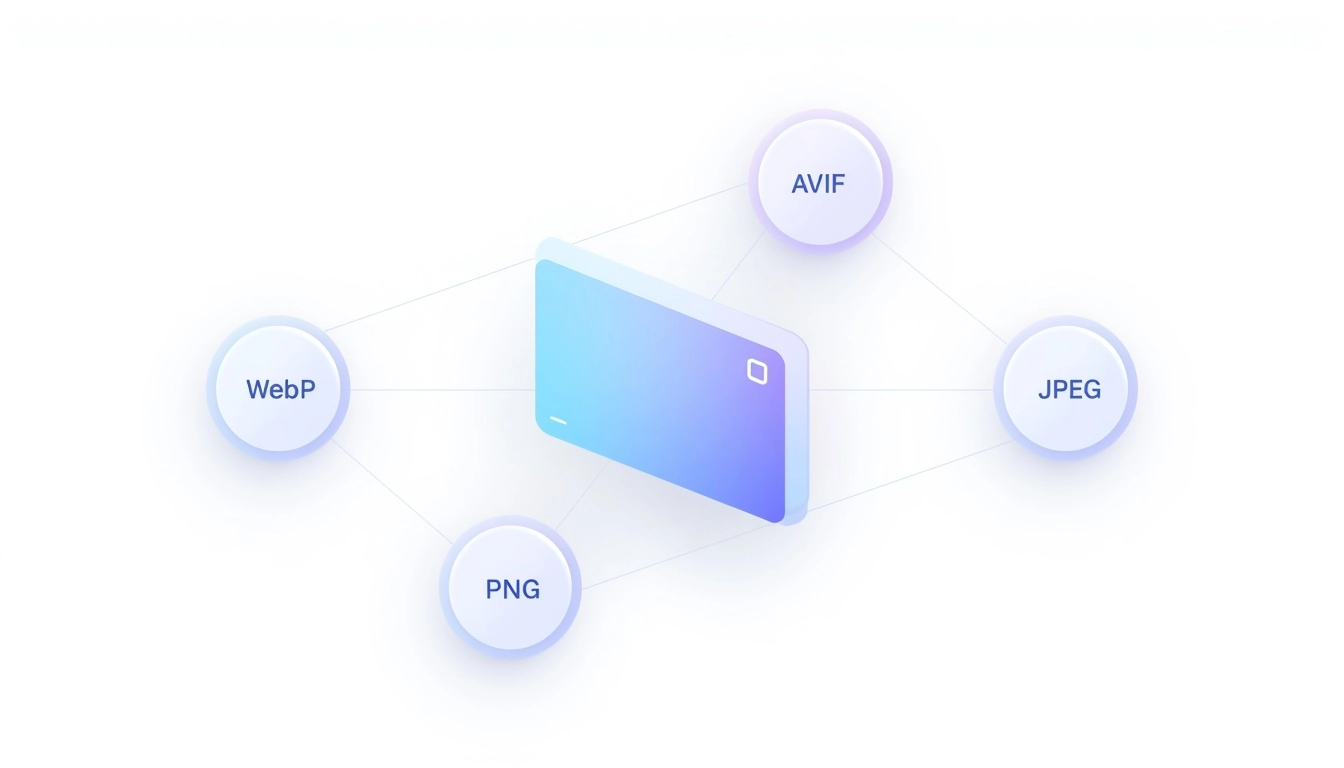
Compress and cap file size while keeping the look you want — preview before you download.
Explore
Remove backgrounds with threshold tuning and a live preview, then export a clean PNG.
Explore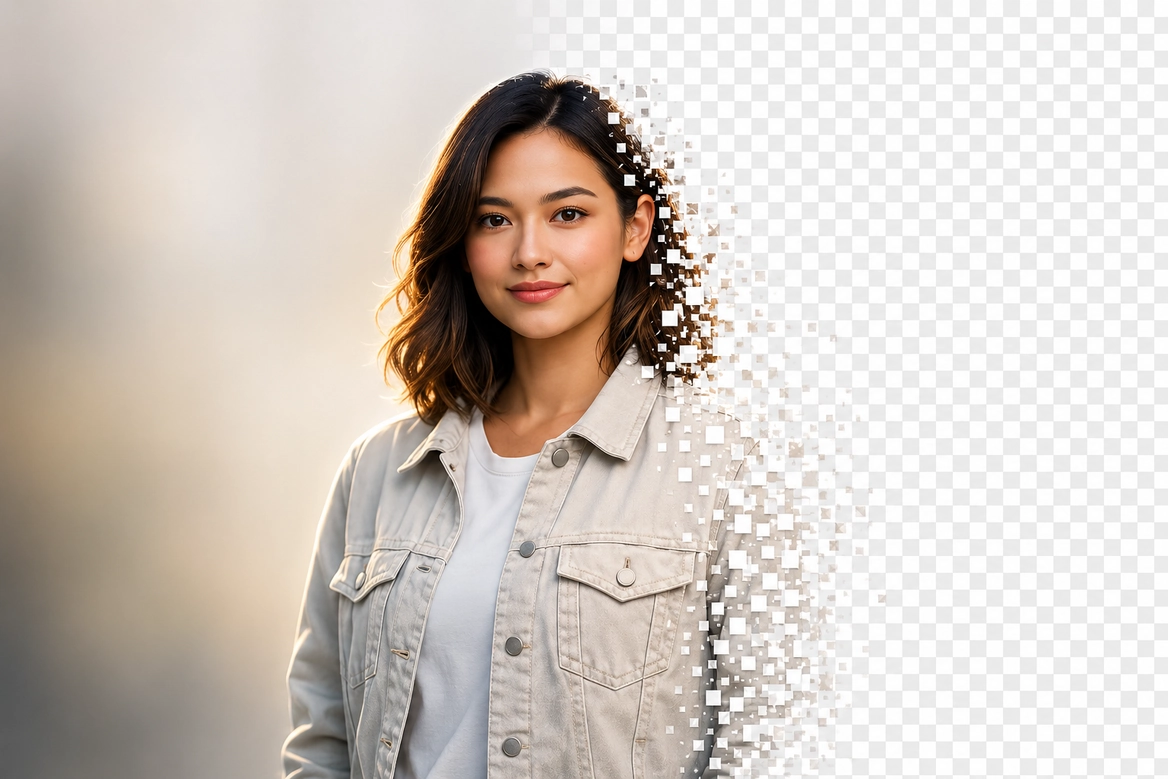
Features
Tabbed modes: pick the operation, adjust parameters, and export in the right format for your project.
WebP, AVIF, PNG, and JPEG with control over the result.
Adjust compression and maximum size per file.
Grayscale, black and white, or sepia in one click.
Common aspect ratios or a custom area.
Fit within limits while keeping aspect ratio.
Remove backgrounds with threshold and live preview.
Generate ICO from your design.
One panel per file, preview, and clear actions — fewer clicks between formats and tweaks.
Quality, crop, and resize with visual feedback before you export.
Server-side processing with Sharp: consistent outputs for web and social.
The tool keeps the same dark, neutral look: focus on preview and the actions that matter.
FAQ
Privacy, limits, formats, and how ImageResized fits into your workflow — before you open the tool.
Ready to try?
Open the converter, drop your images, and export in the format you need.
You upload images in the browser; processing runs on our server with Sharp, then you download the result. Files are not kept for reuse after your session ends.
Yes — create a free account to use the converter and download outputs. Without signing in you can still try the tool on a limited number of images.
You can process up to 5 images before creating an account. After sign-up, usage follows your account limits with no per-session cap on the free tier.
Common raster inputs include PNG, JPEG, WebP, and AVIF. Outputs include WebP, AVIF, PNG, JPEG, and ICO for favicon mode — pick format and quality per workflow.
Yes. Drop multiple files, switch between them in the strip, and apply the same mode to each. Resize and crop respect aspect ratio with a live preview before export.
Seven modes: convert, quality tuning, B&W styles, crop, resize, background removal, and favicon generation — all from one dark, focused interface.
Contact
Send a message using the form below. We reply to the email you provide — your address is not published on this page to reduce spam.